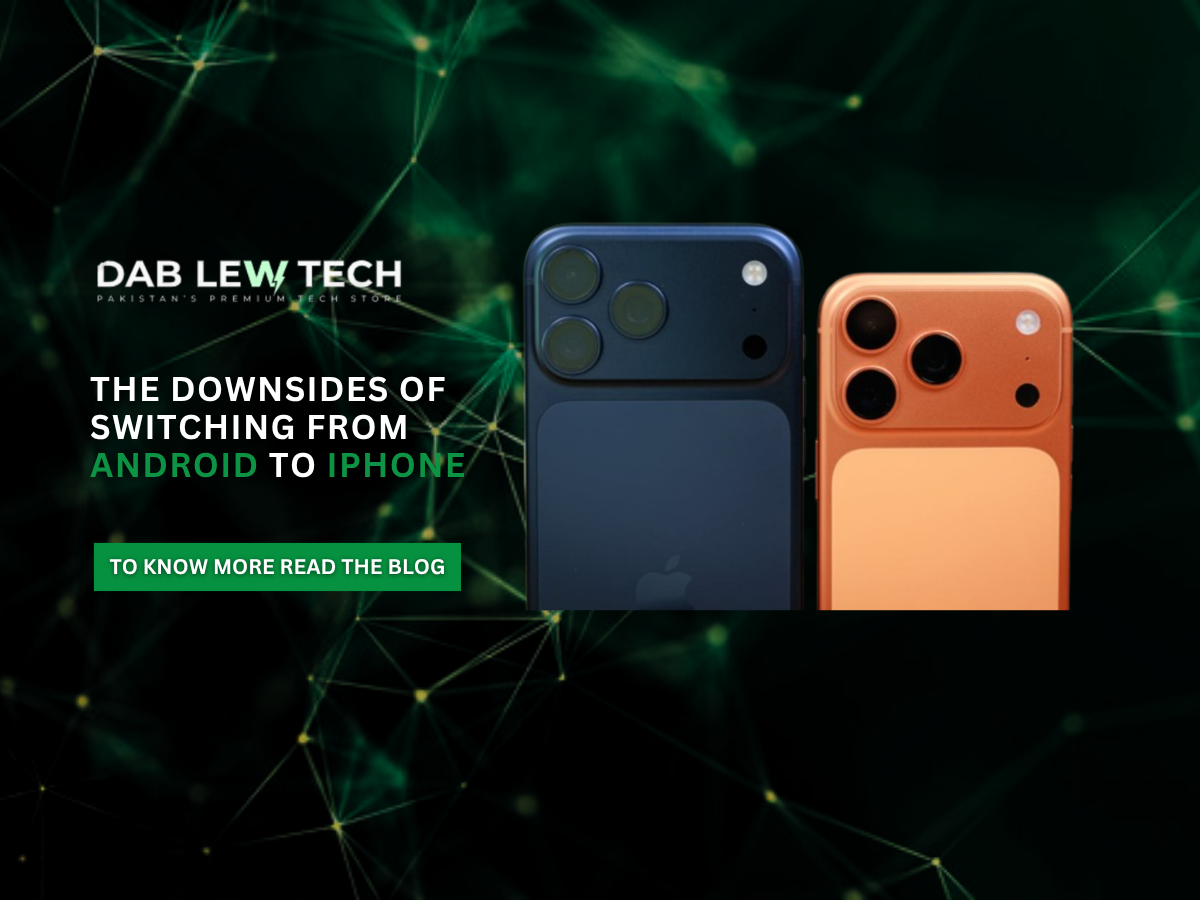
The Downsides Of Switching From Android To iPhone
Apple's iPhone has earned its reputation for delivering a premium smartphone experience. The smooth performance, long software support, powerful processors, and seamless integration between hardware and software make it an attractive choice for many Android users. Features like Face ID, iMessage, AirDrop, and Apple's tightly connected ecosystem continue to convince millions of people to switch every year. However, moving from Android to iPhone isn't simply a matter of changing devices—it's also about adapting to an entirely different way of using a smartphone.
Many Android users have developed habits and workflows over the years that don't translate directly to iOS. This doesn't necessarily make the iPhone worse; rather, it highlights the different philosophies behind the two operating systems. While Apple prioritizes consistency, simplicity, and security, Android focuses on flexibility, customization, and user control. Before making the switch, it's important to understand these differences so you know what to expect.
Notification Management Feels Different
One of the first adjustments most Android users notice is how iOS handles notifications. Android offers an advanced notification system that lets users interact with messages directly from the notification panel. You can reply, mark conversations as read, react to messages, or customize different notification categories for individual apps. For example, a shopping app can notify you about deliveries while blocking promotional advertisements.
On iPhone, notification management is much simpler, offering mostly per-app controls for banners, sounds, and badges. While Apple's system is clean and easy to use, it doesn't provide the same level of customization or interaction that Android users are accustomed to. If you're someone who relies heavily on actionable notifications, this difference may take some time to get used to.
Navigation Requires New Muscle Memory
Navigation is another area where switching platforms requires some adjustment. Android provides a universal back gesture that works consistently by swiping from either edge of the screen, regardless of the application you're using. On iPhone, the back gesture is only supported in certain apps, while others require tapping a back button located in the upper corner of the display.
Although this may seem like a minor difference, years of muscle memory can make the transition feel awkward, especially when operating the phone with one hand. Over time, most users adapt, but it remains one of the biggest usability changes Android users notice after switching.
Typing Experience Isn't the Same
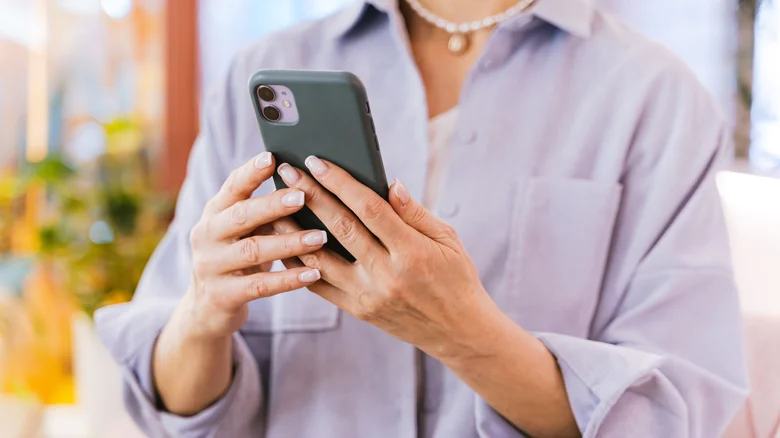
Typing also feels different on iOS. Many longtime Android users find Apple's keyboard less intuitive than Google's Gboard. Autocorrect can occasionally be overly aggressive, and predictive text isn't always as accurate as Android users expect.
Although third-party keyboards like Gboard and SwiftKey are available on iPhones, Apple limits their system-level functionality. Certain secure fields, including passwords and payment information, automatically switch back to the default Apple keyboard, reducing the seamless experience Android users enjoy.
Limited Customization Compared to Android
Customization is another area where Android continues to lead. While Apple has introduced home screen widgets, customizable lock screens, and icon color themes, iOS still remains far more restrictive than Android.
Android users can install custom launchers, icon packs, widgets, automation tools, and even redesign the entire interface to suit their preferences. Apple's approach focuses on maintaining a consistent user experience, which may leave power users feeling somewhat limited.
Charging Speeds Still Lag Behind
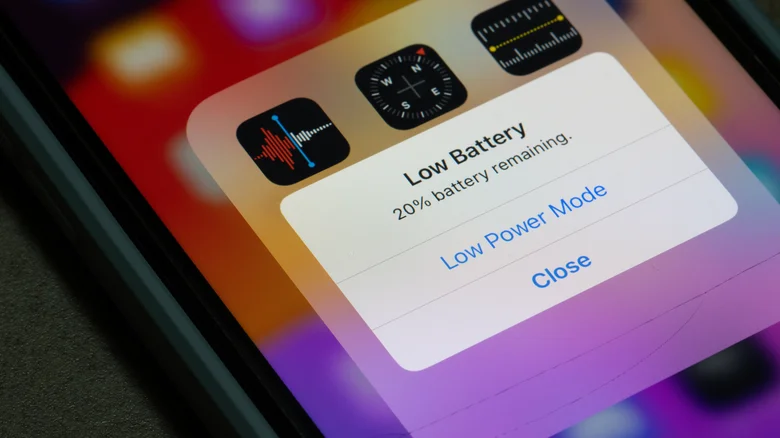
Charging speed is another noticeable difference. Although recent iPhones have improved their charging performance, they still lag behind many flagship Android smartphones. Apple's latest devices support wired fast charging, but brands like Samsung, OnePlus, and Xiaomi offer significantly faster charging technologies that can recharge most of the battery in under thirty minutes.
For users accustomed to ultra-fast charging, moving to an iPhone may require a little more patience, especially if fast top-ups are an important part of their daily routine.
Stay Updated
Keep yourself updated with the latest tech trends, events, products, insights and much more, only with Dab Lew Tech Pakistan.
source