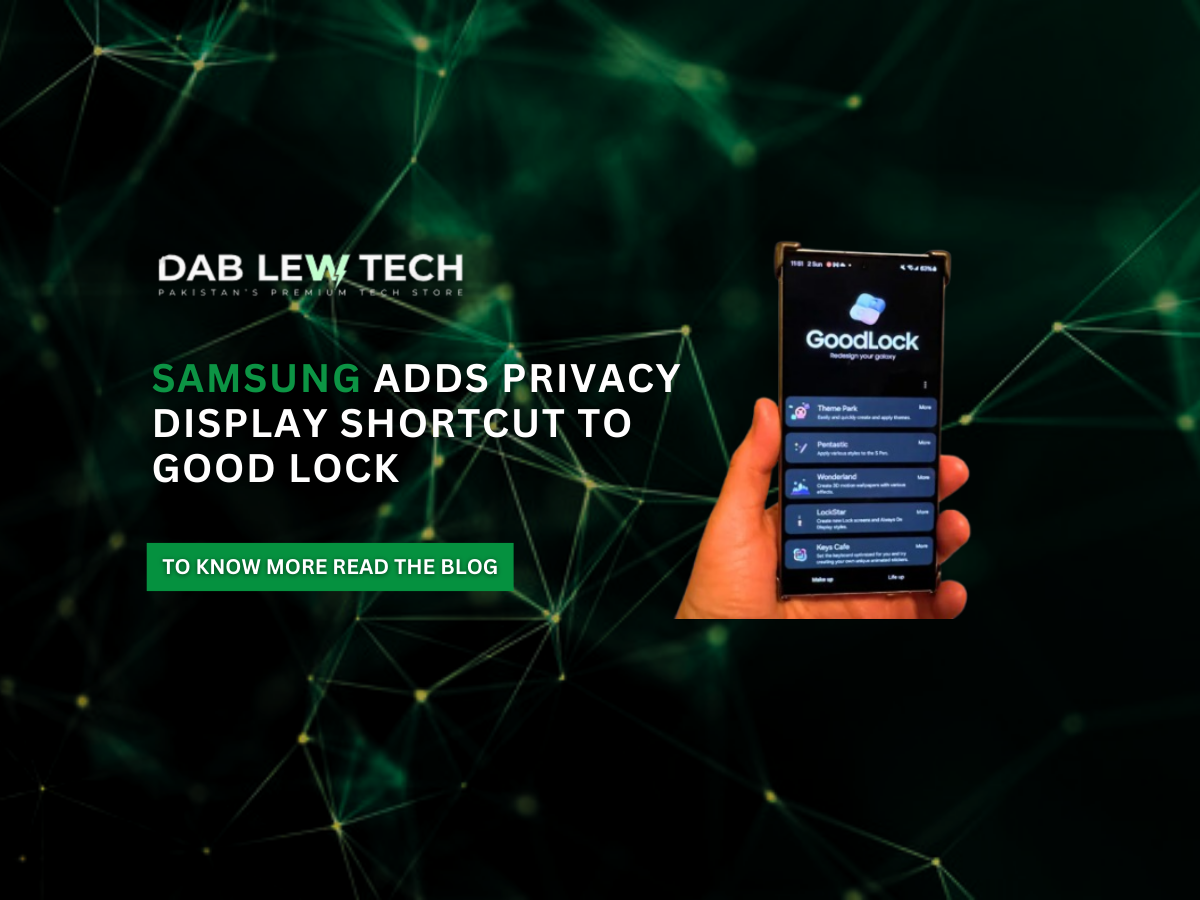
Samsung Adds Privacy Display Shortcut to Good Lock
Samsung has introduced a useful update to its Good Lock customization suite by adding a Privacy Display shortcut through the One Hand Operation+ module. This lets users of devices like the Galaxy S26 Ultra assign a custom gesture to quickly activate the Privacy Display feature, which was already accessible via Quick Settings. The integration makes it easier to toggle privacy protection without diving into settings, especially useful when you’re on the go or in public spaces.
The Privacy Display itself is a hardware-level screen technology first highlighted on the S26 Ultra that limits the viewing angle of the display, making content hard to read from side views — a safeguard against “shoulder surfing” when handling sensitive information such as messages or banking apps. The good lock shortcut complements existing activation methods like Quick Settings toggles or even a side-button double-press, streamlining access and enhancing everyday privacy protection.
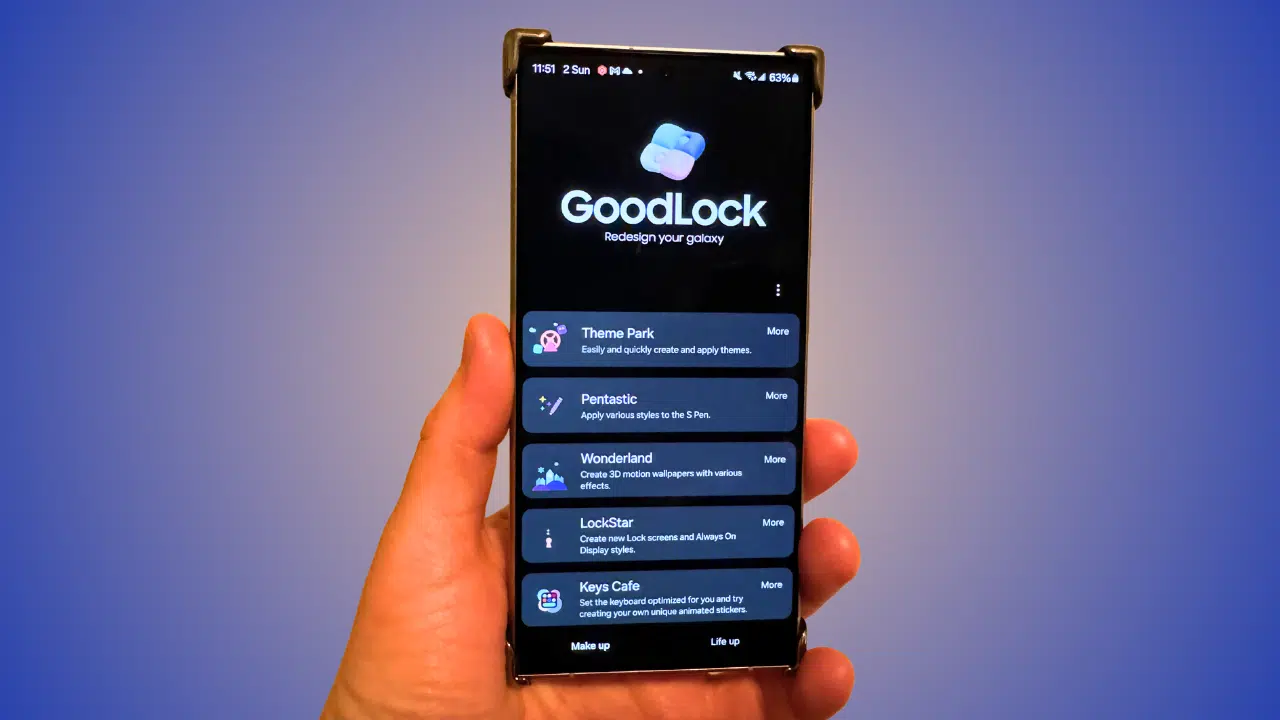
Alongside the new Privacy Display action, the updated One Hand Operation+ also fixes gesture issues related to screen rotation and brings other performance improvements. While the direct Privacy Display action is exclusive to devices equipped with the necessary hardware (currently the S26 Ultra), the broader stability and usability enhancements in Good Lock should benefit users across more Galaxy devices as the rollout expands.
Stay Updated
Keep yourself updated with the latest tech trends, events, products, insights and much more, only with Dab Lew Tech Pakistan.
source