iOS 26.1 Release—Change Your iPhone Settings Before You Update
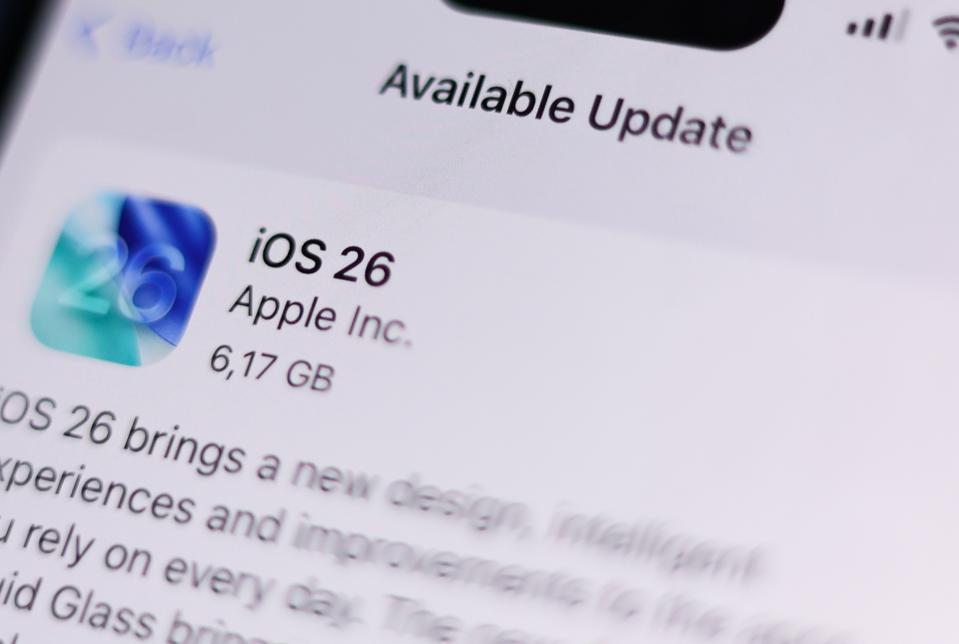
The wait is almost over — Apple’s delayed iPhone update, iOS 26.1, is just hours away, and it’s shaping up to be a true game-changer. This release takes iPhone security and privacy to a whole new level, further widening the gap with Android. The headline feature? A smarter way to keep your iPhone protected. Apple is refining how updates roll out, meaning your device can now defend against vulnerabilities automatically and silently — no tapping, no waiting, no worries. Your iPhone will simply stay secure in the background.
Apple is expected to push out iOS 26.1 on Monday, November 4, or shortly after, bringing a fresh batch of critical security patches and efficiency upgrades. It’s a sharp contrast to Samsung’s slower, staggered rollout of One UI 8 and Android 16, which still struggles to reach all users. This update marks a major step in Apple’s ongoing effort to protect users from spyware and scams — a response to the growing global threat that’s affecting both platforms.

Before You Update — Change These Settings Now
Ironically, this release comes just after Google claimed Android offers “the most effective protection” from mobile scams. But with iOS 26.1, Apple flips that script. Before updating, tweak two iPhone settings to supercharge your defenses:
Go to Settings > Apps > Phone > Screen Unknown Calls, and turn on “Ask Reason for Calling.” This feature lets your iPhone screen callers automatically, showing their name and reason before you decide to pick up.
Then, head to Settings > Apps > Messages > Unknown Senders, and enable “Screen Unknown Senders” and “Filter Spam.” This will block scam texts and prevent dangerous links from slipping through.
Together, these changes make your iPhone safer, smarter, and more proactive — the Apple way.
Stay Updated
Keep yourself updated with the latest tech trends, news, updates, and events from our tech news section only at Dab Lew Tech Pakistan.
source