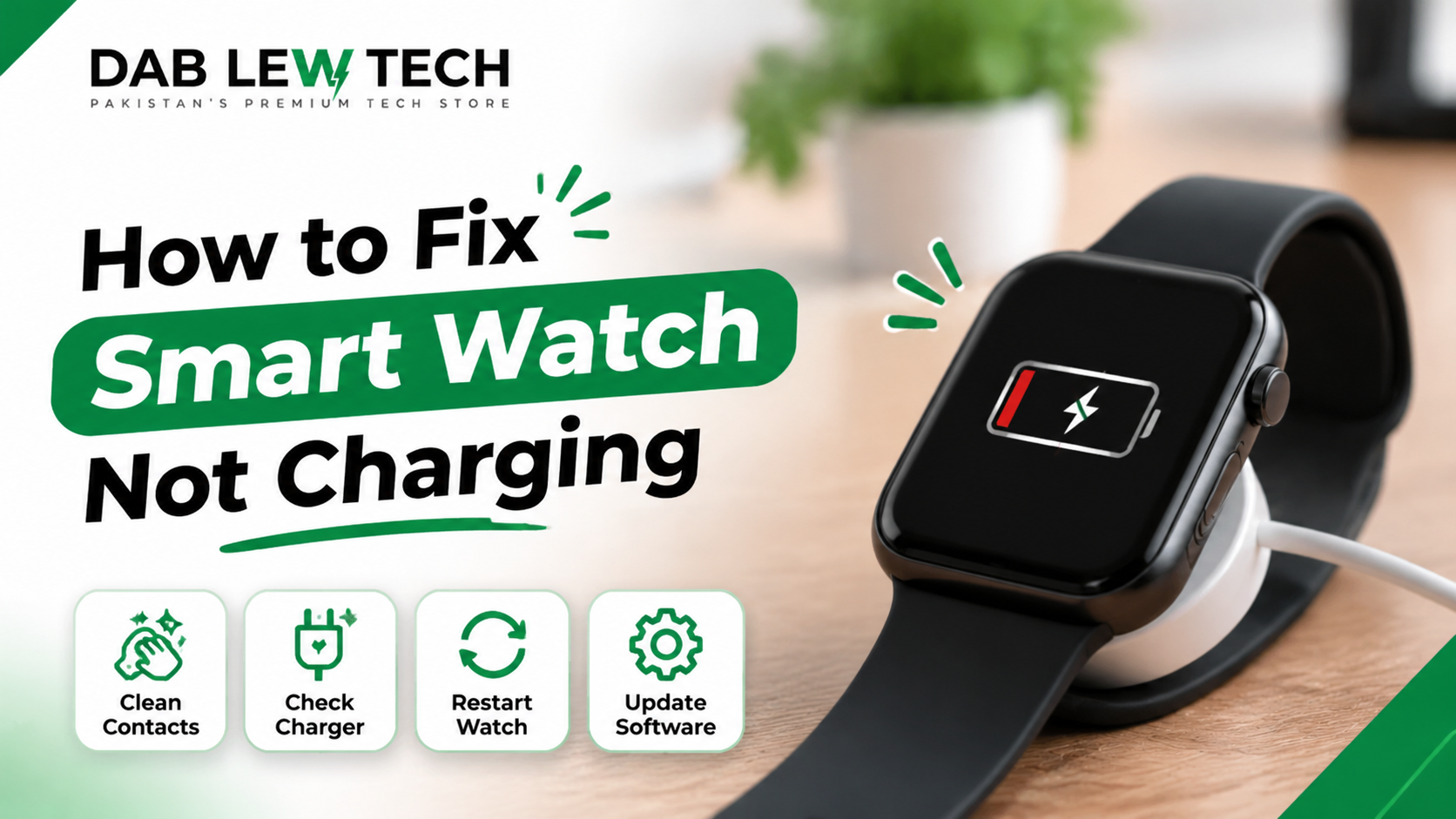
How to Fix a Smart Watch Not Charging: 10 Easy Troubleshooting Solutions
A smartwatch is a useful everyday device for tracking fitness activities, monitoring notifications, checking the time, and managing daily routines. However, like any electronic device, it can sometimes develop charging problems. One common issue is a smartwatch that refuses to charge, even when it is connected to its charging cable.
If your smartwatch is not charging, there is no need to panic. The problem may be caused by a dirty charging contact, a faulty cable, an incompatible adapter, a drained battery, or a software issue.
In this guide, you will learn how to identify common smartwatch charging problems and fix them using simple troubleshooting methods.
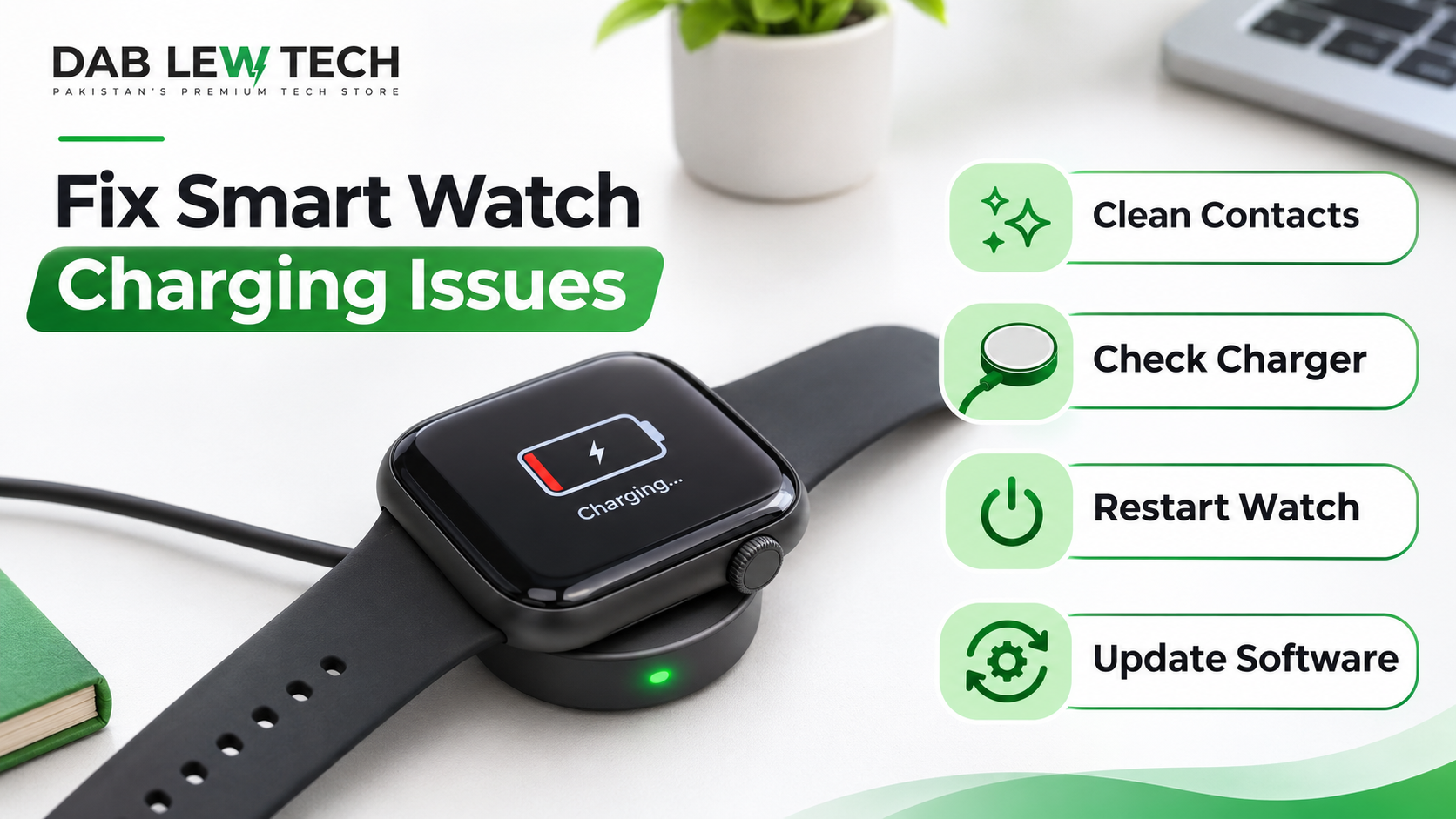
1. Check the Charging Cable and Adapter
The first thing to check is your charging cable and power adapter. A damaged cable or faulty adapter may prevent electricity from reaching your smartwatch.
Follow these steps:
Disconnect the charging cable from the power source.
Inspect the cable for visible damage, cuts, or loose connections.
Check whether the adapter is working properly.
Try another compatible power adapter.
Connect your smartwatch again and check whether it starts charging.
If the watch charges with another cable or adapter, the original accessory may be defective.
Tip: Always use a manufacturer-recommended or compatible charging accessory.
2. Clean the Charging Contacts
Dust, sweat, oil, and dirt can accumulate on the charging contacts of your smartwatch. These particles may interfere with the connection between the watch and its charger.
To clean the charging contacts:
Remove the smartwatch from its charger.
Turn off the device if possible.
Use a clean, soft, dry microfiber cloth to wipe the charging contacts.
Clean the charging pins on the cable or charging dock.
Allow everything to dry completely before reconnecting.
Avoid using sharp objects, abrasive materials, or excessive moisture when cleaning the charging area.
3. Make Sure the Charger Is Properly Connected
Sometimes, the charging problem is simply caused by incorrect placement.
Many smartwatches use magnetic charging cables or specially designed charging docks. If the watch is not positioned correctly, the charging contacts may not connect properly.
Try the following:
Place the smartwatch carefully on its charging dock.
Make sure the magnetic charger attaches correctly.
Check that the charging pins are aligned.
Look for a charging symbol on the display.
Avoid moving the watch while it is charging.
If the charging indicator appears and disappears repeatedly, reposition the watch and inspect the charging connection.
4. Restart Your Smartwatch
A temporary software problem can sometimes prevent a smartwatch from displaying the correct charging status.
Restarting the device may resolve minor software glitches.
Here is what you can do:
Disconnect the smartwatch from the charger.
Press and hold the power button.
Select the restart option if available.
Wait for the device to restart.
Connect it to the charger again.
If the smartwatch screen is completely unresponsive, consult the manufacturer's instructions for a model-specific force restart.
5. Allow a Completely Drained Battery to Charge
If your smartwatch battery has completely drained, the display may remain black when you first connect the charger.
This does not necessarily mean the battery is damaged.
Try this solution:
Connect the smartwatch to its original or compatible charger.
Make sure the power source is working.
Leave the device connected for approximately 30 minutes.
Check whether the charging indicator appears.
Some devices require additional time before displaying a charging symbol.
If the watch remains unresponsive after a reasonable charging period, try another compatible charger and check the manufacturer's troubleshooting instructions.
6. Check for Overheating
Smartwatches contain rechargeable lithium-ion batteries that operate within specific temperature ranges.
If the device becomes too hot or too cold, its charging system may temporarily stop charging to protect the battery.
To resolve this issue:
Disconnect the smartwatch from the charger.
Move it away from direct sunlight.
Allow it to return naturally to room temperature.
Avoid placing it near heaters or other heat sources.
Try charging it again when it has cooled down.
Never put a hot smartwatch in a refrigerator or freezer to cool it quickly.
If the watch becomes unusually hot, swells, leaks, or produces an unusual smell, stop using it and seek professional assistance.
7. Update the Smartwatch Software
Outdated software or temporary system bugs may sometimes affect charging performance.
If your smartwatch still has enough battery power to operate, check whether a software update is available.
General steps include:
Open the smartwatch's companion application on your smartphone.
Navigate to the device settings.
Find the software update section.
Check for available updates.
Follow the manufacturer's instructions to install the update.
Software update menus vary between smartwatch brands and models.
Keep your smartwatch connected to a reliable power source when following the manufacturer's update instructions.
8. Check Whether the Charging Accessories Are Compatible
Not every smartwatch charger works with every smartwatch.
Different brands and models may use different charging technologies, magnetic connectors, wireless charging standards, and power requirements.
For example, some smartwatches use proprietary magnetic charging cables, while others support specific wireless charging systems.
Before purchasing a replacement charger, check:
Your smartwatch's exact model number.
The supported charging technology.
The manufacturer's recommended charger.
The required power specifications.
Whether the accessory is officially supported.
Using an incompatible charger may result in slow charging or no charging at all.
9. Inspect the Battery and Charging Port
If none of the previous solutions work, the problem may be related to the smartwatch's battery or charging hardware.
Possible hardware problems include:
A worn-out rechargeable battery.
Damaged charging contacts.
Loose internal connections.
A defective charging circuit.
Physical damage caused by water or impact.
Check the charging area for visible damage. Do not attempt to open the smartwatch or replace its internal battery unless you have the necessary technical expertise.
If you suspect a hardware failure, contact an authorized service center.
10. Contact Professional Technical Support
If your smartwatch still refuses to charge after trying the troubleshooting methods above, professional assistance may be necessary.
Before contacting technical support, prepare the following information:
Your smartwatch brand and model.
The approximate age of the device.
The charging accessories you have tested.
Whether the watch displays a charging symbol.
Any recent drops, water exposure, or overheating incidents.
This information can help technicians identify the possible cause of the problem.
If your device is still under warranty, check the manufacturer's warranty conditions before paying for repairs.
Common Reasons Why a Smartwatch Is Not Charging
Here is a quick overview of common charging problems and their possible solutions.
| Problem | Possible Solution |
|---|
| Dirty charging contacts | Clean with a dry microfiber cloth |
| Faulty charging cable | Test a compatible replacement |
| Incorrect charger placement | Reposition the smartwatch |
| Completely drained battery | Leave connected for around 30 minutes |
| Software glitch | Restart the smartwatch |
| Overheating | Allow the device to return to room temperature |
| Incompatible charger | Use a manufacturer-approved charger |
| Damaged battery | Contact an authorized technician |
Frequently Asked Questions (FAQs)
1. Why is my smartwatch not charging even when connected?
This may happen because of a faulty charging cable, dirty contacts, incorrect charger placement, an incompatible adapter, or a battery problem. Check the charging accessories and clean the contacts before considering professional repair.
2. How long should I charge a completely dead smartwatch?
Start by leaving it connected to a compatible charger for approximately 30 minutes. Some models may require additional time before displaying the charging indicator. Follow the manufacturer's charging recommendations.
3. Can a software problem prevent a smartwatch from charging?
Yes. Software glitches may affect charging indicators or normal device operation. Restarting the smartwatch or installing an available software update may help.
4. How do I know if my smartwatch battery is damaged?
Common warning signs include unusually short battery life, unexpected shutdowns, failure to charge, or abnormal heating. A swollen battery is a serious safety warning and requires immediate attention.
5. Can I use my phone charger to charge my smartwatch?
It depends on the smartwatch and its charging accessories. Some watches support compatible USB power adapters, but the charging cable or dock must support the specific watch model. Always check the manufacturer's recommendations.
6. Should I leave my smartwatch charging overnight?
Many modern smartwatches include charging management features, but you should follow the manufacturer's instructions. Avoid charging a damaged, swollen, or unusually hot device unattended.
Final Thoughts
A smartwatch that is not charging can be frustrating, but the problem is not always serious. In many cases, cleaning the charging contacts, checking the cable, repositioning the device, or restarting the smartwatch can resolve the issue.
Start with the simplest troubleshooting methods before considering battery replacement or professional repair. Most importantly, use compatible charging accessories and avoid exposing your smartwatch to extreme temperatures.
If your smartwatch continues to show no signs of charging after these steps, contact the manufacturer's authorized service center to prevent further damage.
With proper troubleshooting and regular care, you can keep your smartwatch working reliably and extend its useful life.